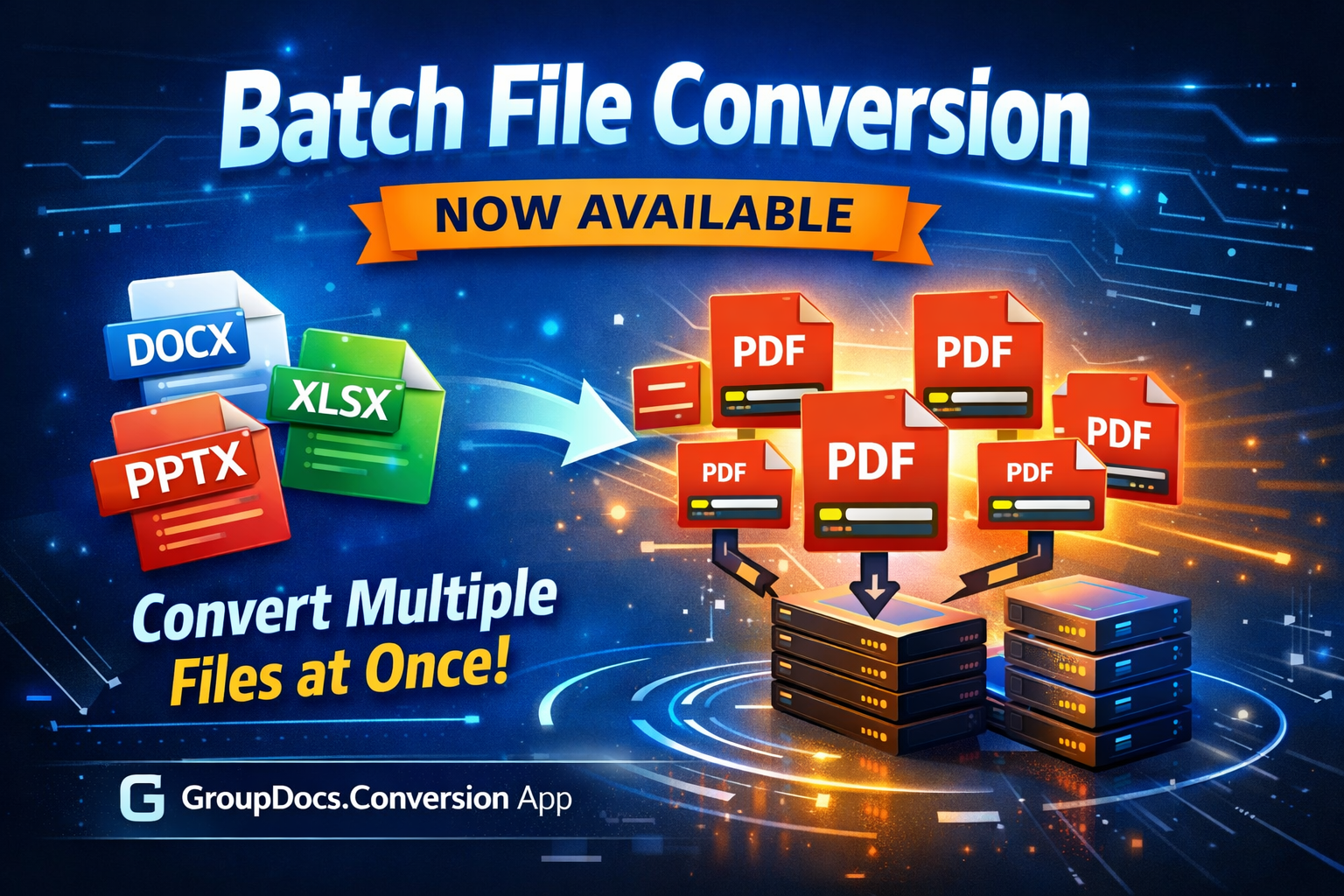
Batch file conversion is now available in GroupDocs.Conversion App
We’re excited to introduce Batch File Conversion — a new feature in GroupDocs.Conversion App that allows paid users to convert multiple files in parallel. This update removes one of the most common bottlenecks in document workflows and makes large-scale file processing significantly faster and more convenient.
GroupDocs.Conversion is part of the GroupDocs Apps ecosystem — a collection of online tools for viewing, converting, editing, and managing documents directly in your browser.
What is batch conversion?
Batch conversion allows you to upload and process multiple files at once, instead of converting them one by one. Each file is handled in parallel on our servers, so you don’t have to wait for one conversion to finish before the next one starts.
This is especially useful when you need to:
- Convert large sets of documents (for example, dozens of DOCX files to PDF)
- Process mixed file types (Word, Excel, PowerPoint, images, etc.)
- Prepare files for sharing, archiving, or publishing
Why parallel processing matters
Traditional online converters usually work in a sequential mode:
you upload one file → wait → download → repeat.
With parallel processing:
- Several conversions run at the same time
- Server resources are used more efficiently
- Large batches complete much faster
This is a major productivity boost for anyone dealing with multiple documents on a daily basis.
Who can use batch conversion?
Batch conversion is available for paid users.
This allows us to guarantee:
- Stable performance for large workloads
- Faster processing
- Priority access to computing resources
You can review available plans and limits on the Pricing page.
How to convert files in batch
Using the new feature is simple and does not require any technical setup.
- Open the GroupDocs.Conversion App
- Upload multiple files (drag & drop or select from your device)
- Choose the target format (for example, PDF, DOCX, XLSX, etc.)
- Click Convert
- All files are processed in parallel
- Download the converted results as soon as they are ready
Each file keeps its original name and structure, so you can easily match inputs and outputs.
Popular conversion scenarios
Batch conversion is especially useful when working with the most common business formats:
Word to PDF —
DOCX to PDF converterExcel to PDF —
XLSX to PDF converterPowerPoint to PDF —
PPTX to PDF converter
You can convert dozens of files of any of these types in a single batch.
Common use cases
Batch conversion is ideal for:
- Document teams preparing reports, contracts, or manuals
- Marketing teams converting presentations and brochures
- Developers and analysts processing large sets of generated files
- Legal and financial departments archiving documents in a unified format
Instead of running the same operation dozens of times, you do it once — and get all results at once.
Faster, simpler, more scalable
The new batch conversion feature makes GroupDocs.Conversion a powerful tool not just for single files, but for real-world document workflows.
Whether you need to convert 5 files or 500, you now get:
- Less waiting
- Fewer clicks
- A smoother and more productive experience
To explore all available document tools, visit the GroupDocs Apps Hub.